Fermenta
The fermentation tracking app for better batches.
Follow recipes, track progress, and know what to do next. Available now for iPhone.

Android version coming later.
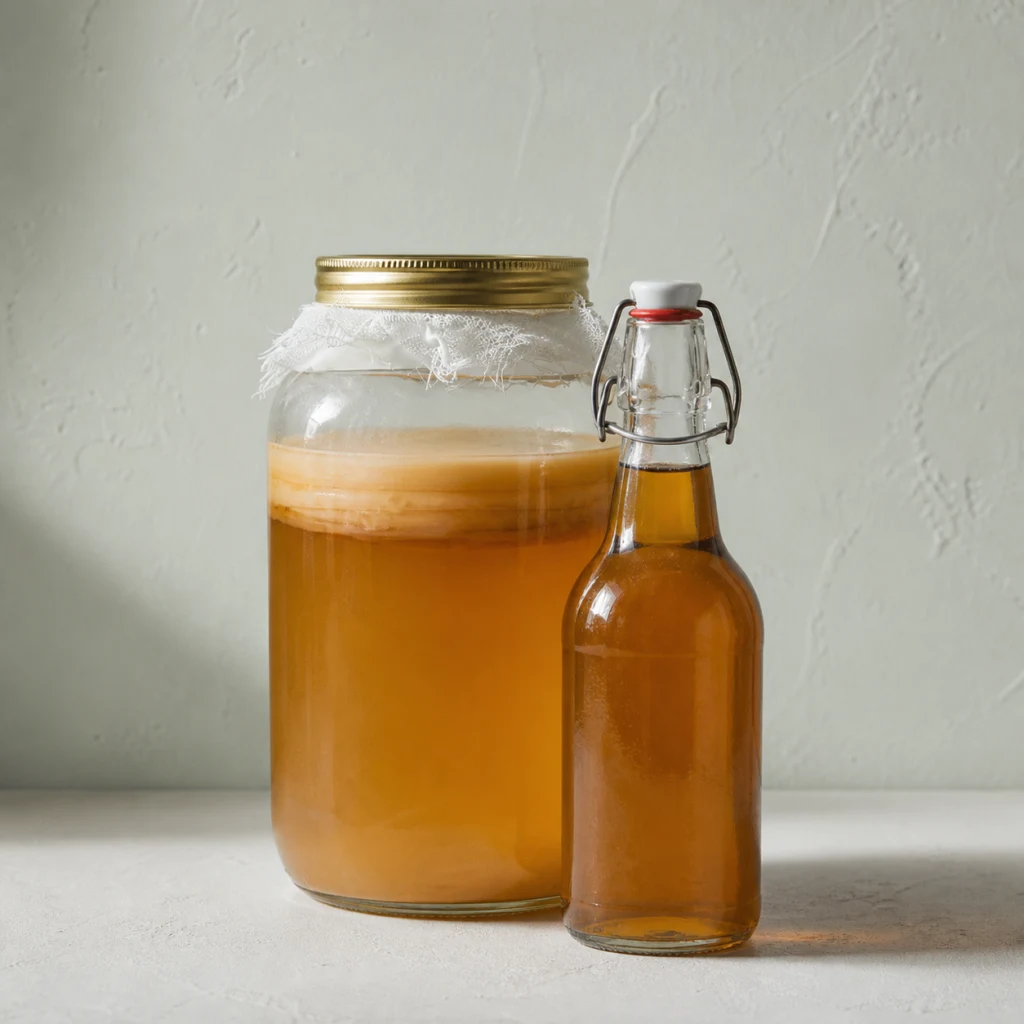
Beverages
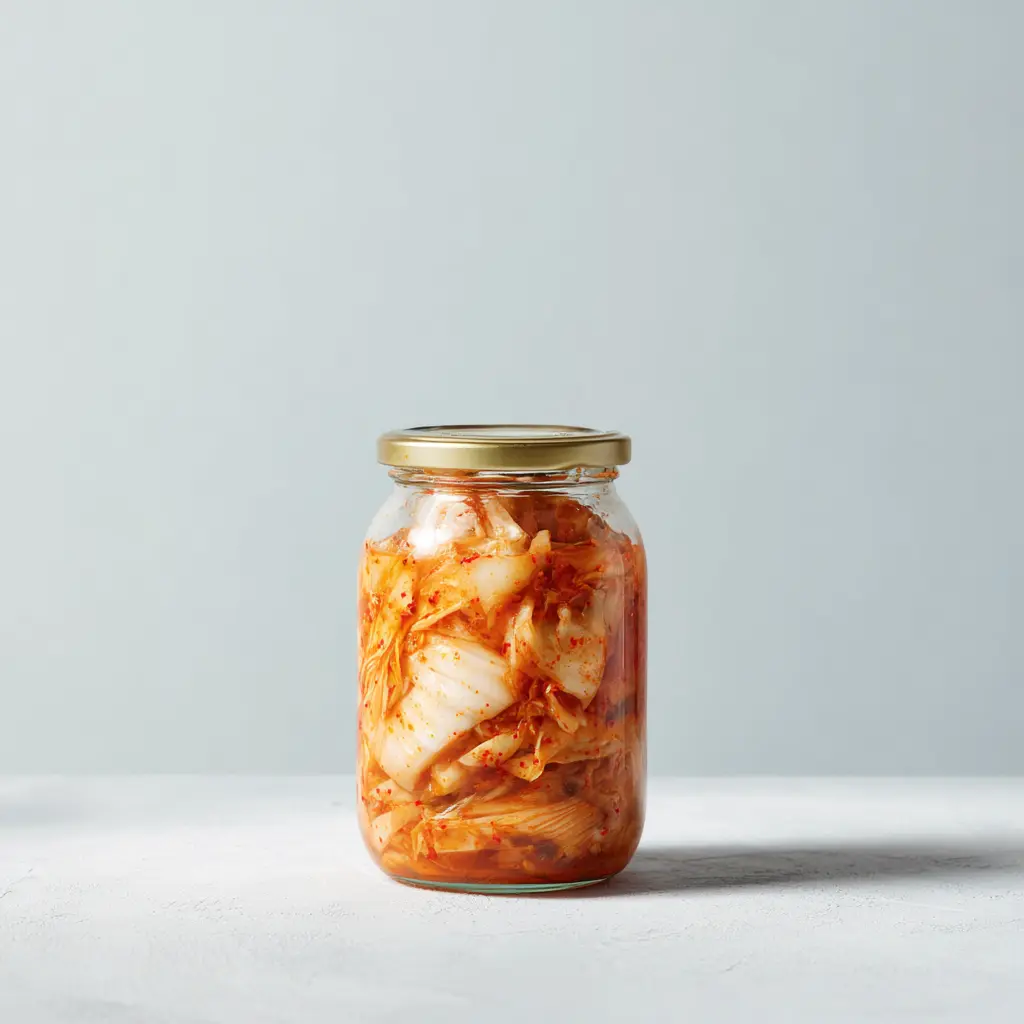
Kimchi
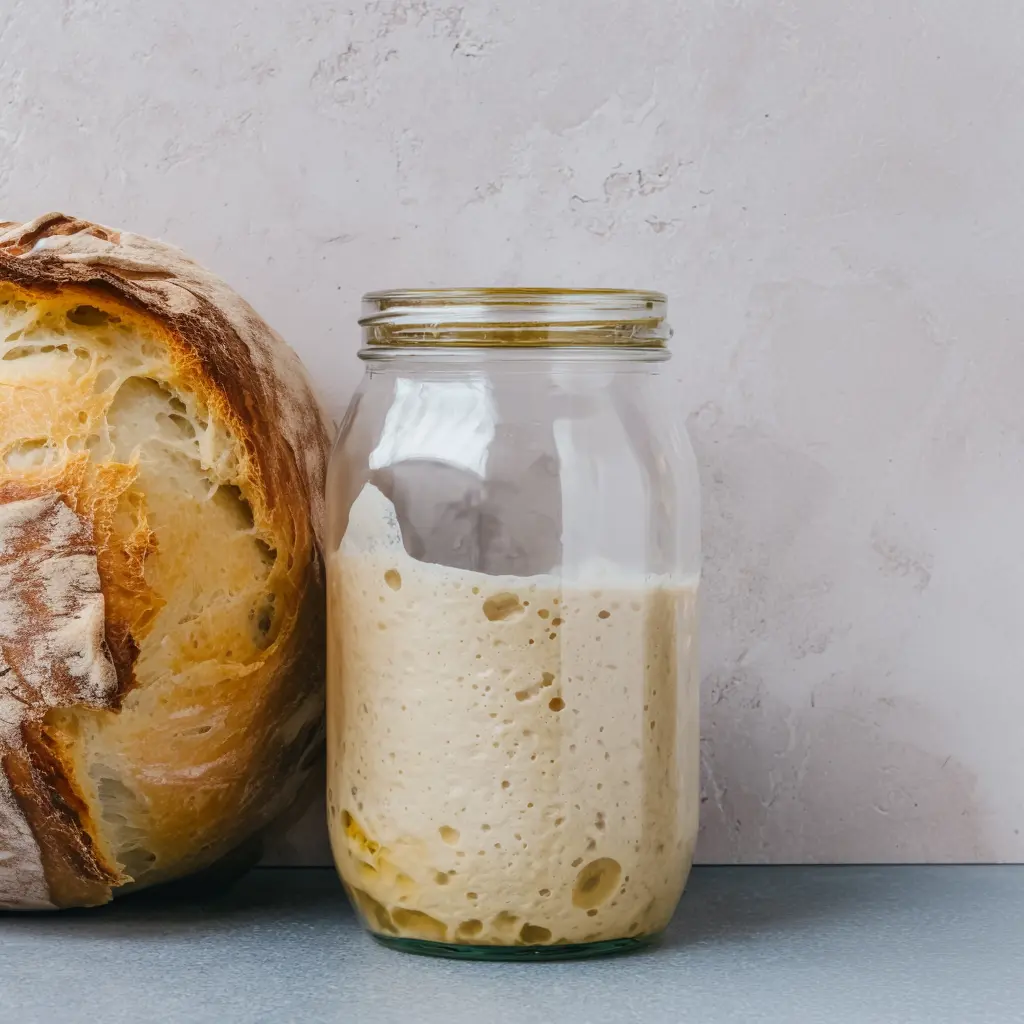
Sourdough bread
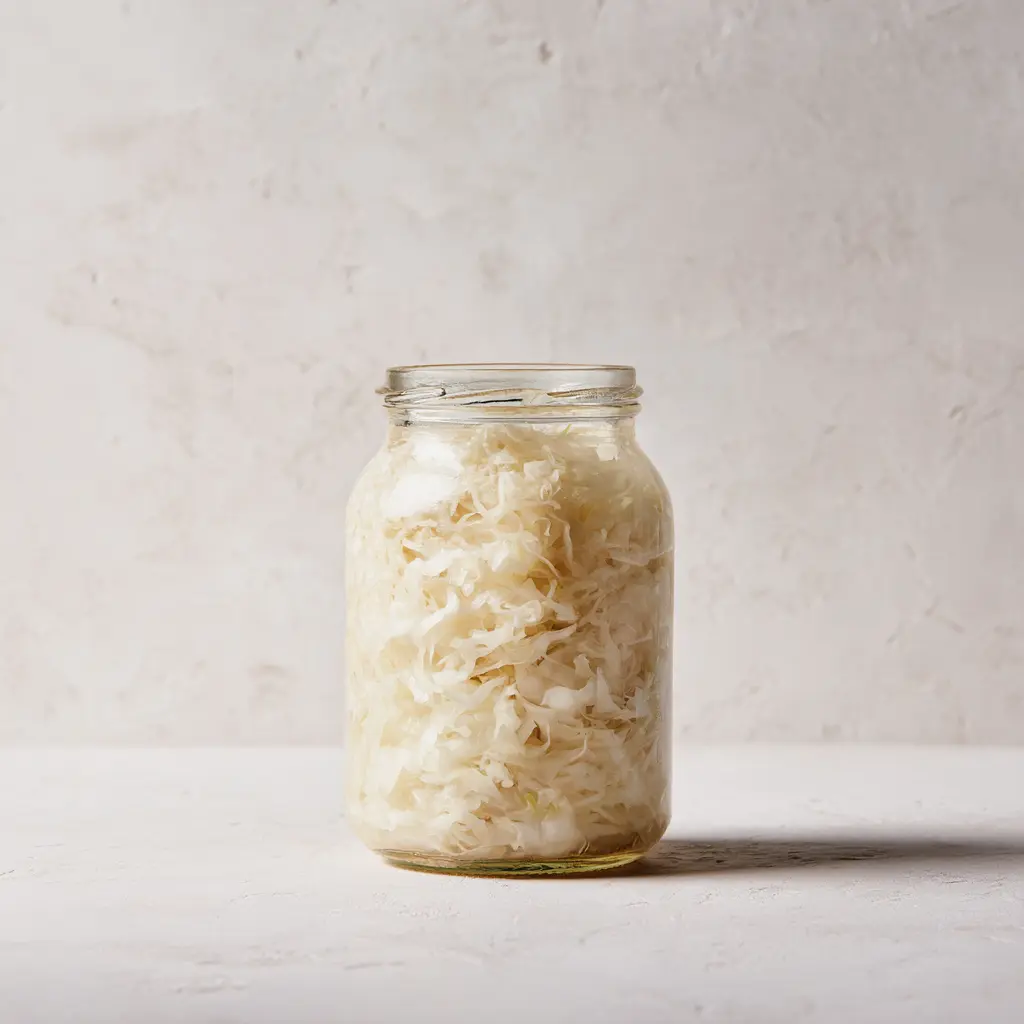
Sauerkraut
Features
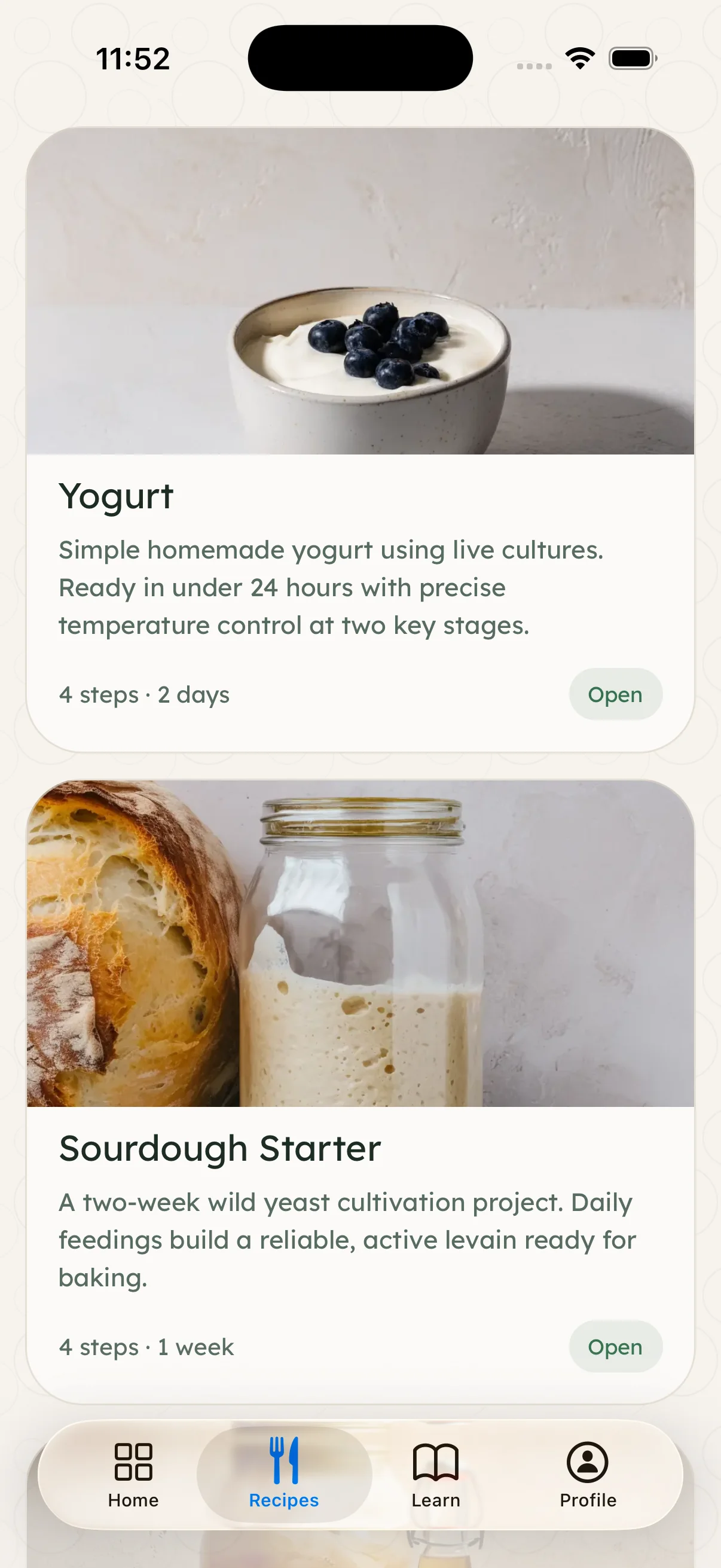
Recipes for every ferment you want to make.
Kimchi, kombucha, sourdough, and more — each with a full ingredient list, step-by-step instructions, and timing cues.
Features
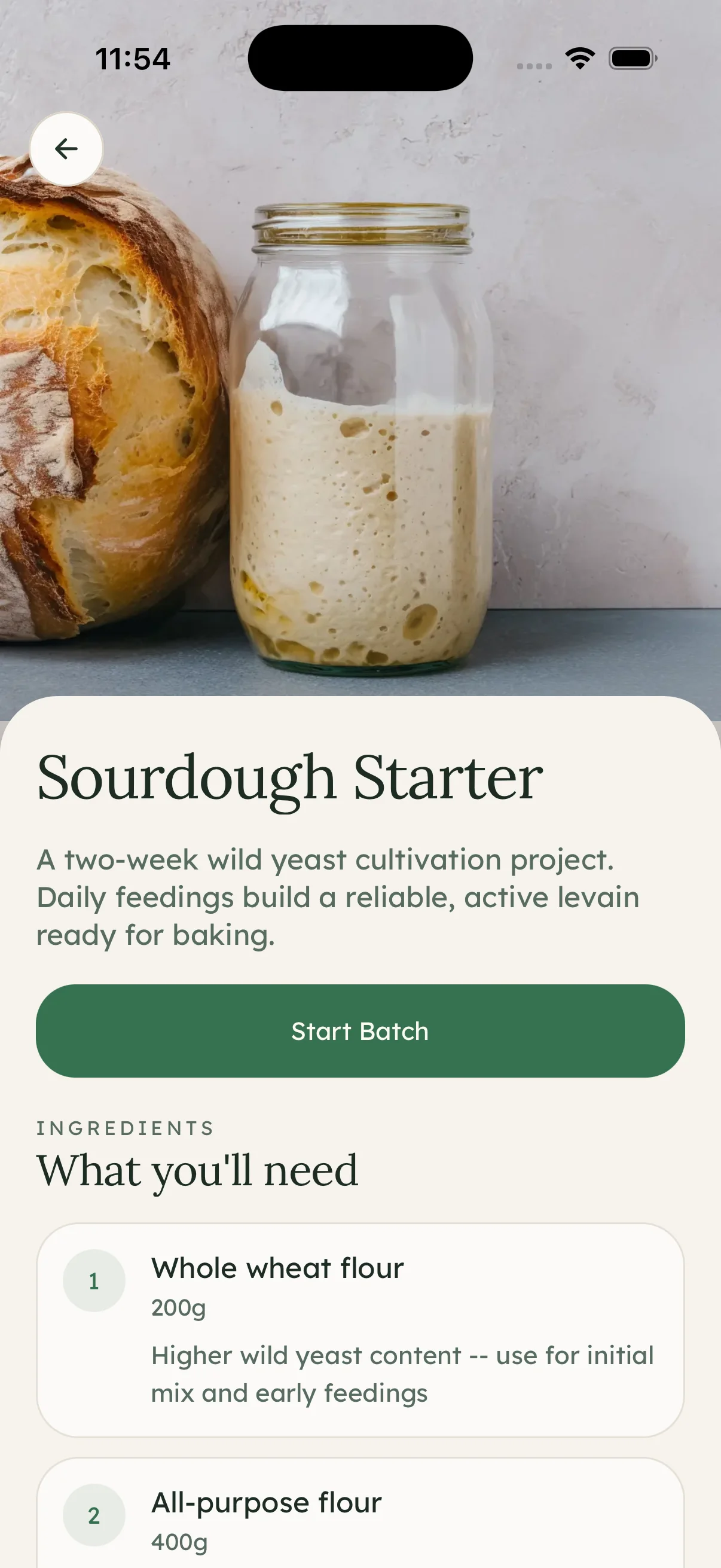
Know exactly where you are in the process.
Each batch has a timeline, clear steps, and checkpoints that tell you what to look for and when.
Features
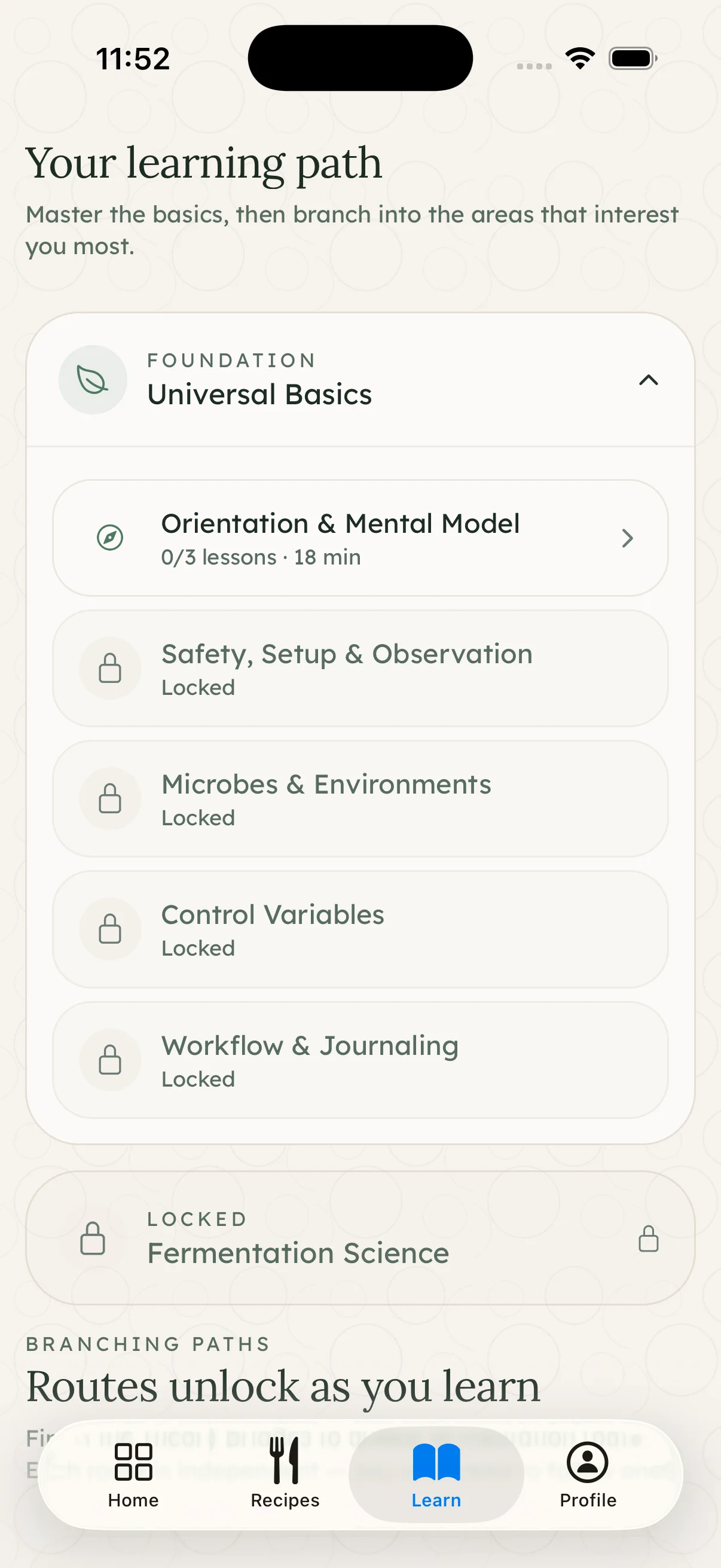
Learn as you go.
Short guides on microbes, ingredients, and technique sit alongside the recipes.
Every ferment, tracked.
Fermenta helps you stay organised from first jar to finished batch.
The recipe library
Popular recipes
Free, step-by-step guides with ingredients, timing, and troubleshooting — kimchi to kombucha.
Traditional Kimchi
Classic napa cabbage kimchi. A two-day active process followed by slow cold maturation that gets better with time.
2d · Intermediate · 9 ingredients
Kombucha
Naturally fermented sweet tea with a living SCOBY. A two-week first ferment followed by a fizzy bottle-conditioning stage.
14d · Intermediate · 5 ingredients
Sourdough Starter
A two-week wild yeast cultivation project. Daily feedings build a reliable, active levain ready for baking.
7d · Intermediate · 3 ingredients
Classic Sauerkraut
Traditional lacto-fermented cabbage. Three weeks of hands-off fermentation, guided by clear daily checkpoints.
21d · Beginner · 2 ingredients
Tepache
A light fermented pineapple drink made from pineapple peel, sugar, and spices. Expect about 20 minutes of active prep, 2-3 days of room-temperature fermentation, and another day if you bottle it for extra fizz.
4d · Beginner · 5 ingredients
Yogurt
Simple homemade yogurt using live cultures. Ready in under 24 hours with precise temperature control at two key stages.
1d · Beginner · 2 ingredients
Frequently asked questions.
General
What is Fermenta?+
Fermenta is a mobile app for tracking fermentation projects at home. Follow guided recipes, track batches from start to finish, and review what went well.
Who is Fermenta for?+
Beginners who want step-by-step guidance, and experienced home fermenters who want to keep track of multiple batches in one place.
What platforms does Fermenta support?+
Fermenta is available now for iPhone. Android is not ready yet, but you can join the Android waitlist and we'll notify you when it launches.
How is Fermenta priced?+
Fermenta is a paid app. Current pricing is shown in the App Store before purchase.
Features
What types of fermentation can I track?+
Fermenta covers a range of categories:
- Vegetables — sauerkraut, kimchi, and pickles.
- Beverages — kombucha, water kefir, and jun.
- Dairy — yogurt and kefir.
- Sourdough bread.
What's included in a recipe?+
- A complete ingredient list with quantities.
- Step-by-step instructions.
- A timeline with estimated durations.
- Checkpoints for assessing progress.
- Storage and finishing guidance.
Can I create my own recipes?+
Custom recipes are planned. For now, the focus is on the curated library.
What are checkpoints?+
Checkpoints are moments in the process where you assess what you can see, smell, or taste — and decide whether to continue or move on. They help you build confidence in reading a ferment rather than relying on time alone.
Can I track multiple batches at once?+
You can run as many batches as you like, each with its own timeline and progress.
Can I add notes to my batches?+
You can add observations at any point in the process — useful for remembering what worked or what you'd adjust next time.
Getting Started
Do I need an account to use Fermenta?+
An account is required to save batches and sync across devices.
How do I sign up?+
You can sign up with:
- Email and password
- Apple
Download the app and follow the setup flow.
What if I've never fermented before?+
Recipes include a difficulty level, detailed steps, and checkpoints that explain what to look for at each stage. A simple sauerkraut or naturally fermented pickle is a good first project.
How do I start my first batch?+
- Browse the recipe library and pick one.
- Read through the ingredients and steps.
- Start a batch from the recipe page.
- Follow the timeline and work through each step.
- Use the checkpoints to assess progress.
- Finish and store when the ferment is ready.
Technical & Support
How is my data stored?+
Your account and batch data are stored on Supabase servers hosted in the EU. You can delete your account and all associated data at any time from the app Settings.
Can I access my data on multiple devices?+
Sign in with the same account on any device to access your batches and recipes.
What if I encounter a bug or issue?+
Email hello@getfermenta.com with a description of the issue and, if possible, what you were doing when it happened.
Can I suggest new features?+
Send suggestions to hello@getfermenta.com. All feedback is read.
Is my fermentation data backed up?+
Data syncs to the cloud automatically when you have a connection.
Safety
Does Fermenta ensure my fermentation is safe?+
Fermenta provides guidance and checkpoints, but you are responsible for food safety. Use clean equipment, follow the salt and temperature guidance in each recipe, and trust your senses.
If something looks, smells, or tastes wrong, do not eat it.
What should I do if something doesn't look or smell right?+
Watch out for:
- Fuzzy or coloured mould growth (not white film or surface bubbles, which are normal).
- Off-putting or rotten odours.
- Slimy texture that isn't part of the expected result.
Do not consume it. If you're unsure whether white film is kahm yeast or mould, it's safer to discard and start again.
Where can I learn more about fermentation safety?+
The Fermentation 101 guides in the app cover the basics for each category. For more depth, Sandor Katz's The Art of Fermentation is a thorough reference.
Privacy & Account
What information do you collect?+
- Email address and account credentials.
- Batch and recipe data you create in the app.
- Onboarding choices such as experience level and fermentation interests.
We do not sell personal data. Full details are in the Privacy Policy.
Can I delete my account?+
You can delete your account from Settings in the app. This permanently removes your profile, batches, and all associated data.
Can I export my data?+
Data export is not currently supported. If this is important to you, email hello@getfermenta.com.